Accessing the Gamera API
Last updated: June 25, 2026
The following article provides directions for accessing Gamera's API:
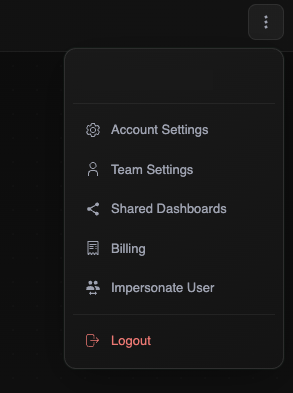
Log into the Gamera portal and click on Account Settings from the 3 dots menu at the top right-hand side
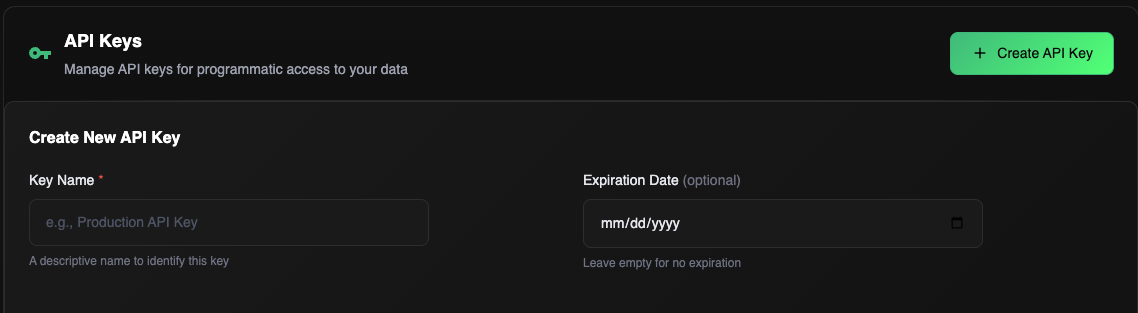
Select Create API Key
Key Name: enter a name for your key
Expiration Date: leave blank
Select Create Key, and copy the key generated
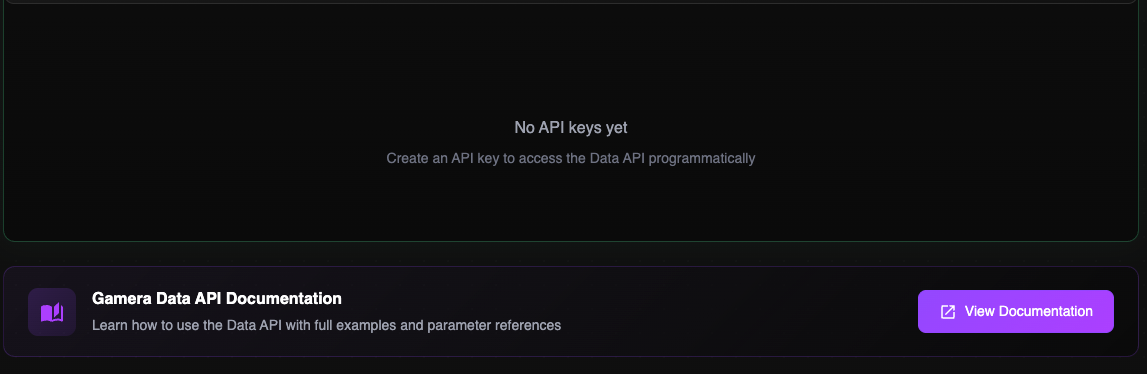
Links to the relevant API documentation are displayed below the API Key